Birthdays with many guests
Useful when family, friends, and colleagues respond through different channels.

Upload once and share through a private link, WhatsApp, or email. Guests reply in one tap and you keep every RSVP in a single overview.
No account needed for guests
Sending an invite is the easy part. Knowing who's coming is the real work.
Your invite is sitting in a group chat, a DM, and somewhere else as a loose image.
Your message sinks in the chat and people only respond when you already wanted to move on.
Where is it? What time? Who is invited? You keep resending the same explanation.
The yeses arrive on WhatsApp, by text, and in person at the school gate. The counting is on you.
One small update means sending another round of loose messages.
You scroll back through the chat counting thumbs-ups before placing the order.
Especially when you want to share fast and know who's coming.
Useful when family, friends, and colleagues respond through different channels.
Just resend the same link instead of explaining all over again where the invite is.
Also sending printed cards or thank-yous? The same link collects the addresses as well.
Your invite stays in one place and the RSVPs land there automatically, so you never have to count up who has already replied.
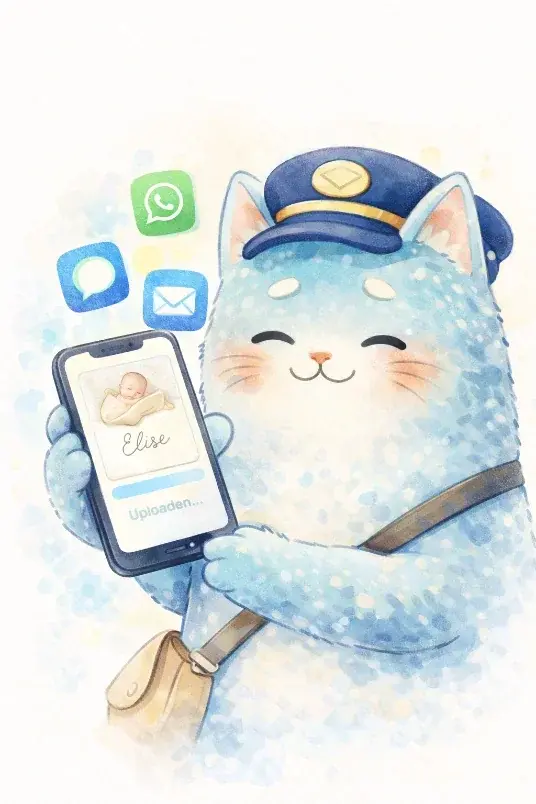
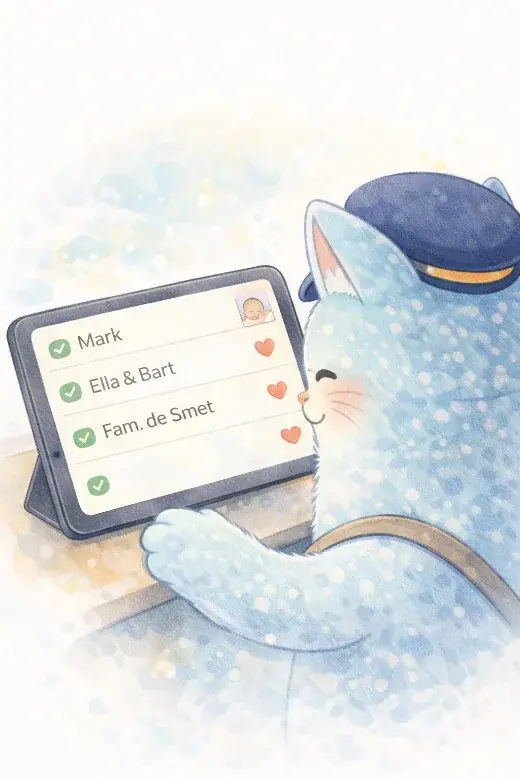

One page with a reply button instead of counting across three chats.
Your invite sinks away and the yeses sit scattered between a hundred other messages.
People do not always save it and later ask again where the information is.
Updates and reminders get spread across older replies.
Then continue to the collection page to gather addresses through one private link.
Tracking who's coming to the party: how an invite with RSVP works
Digital invitation with RSVP: share one private link and automatically see who's coming, who can't make it, and who hasn't replied — without combing through the group chat.
Read article ->
Sending a first birthday card: how to do it without the stress
How to send cards and manage RSVPs for your child's first birthday, and why the address list from your birth announcement is already ready to go.
Read article ->
Sharing your birth announcement digitally: how to do it right
How to share your birth announcement card online with family and friends: fast, personal, and without the wait for printed cards.
Read article ->
Upload it once and then share one clear link whenever you need it.